
LamaBeat 2
Artikel an LagerLieferfrist: 1-3 Tage
Innovation Award 2025 — Dieses SUP entleert sich leise dank des innovativen LBS-Ventils. Video ansehen
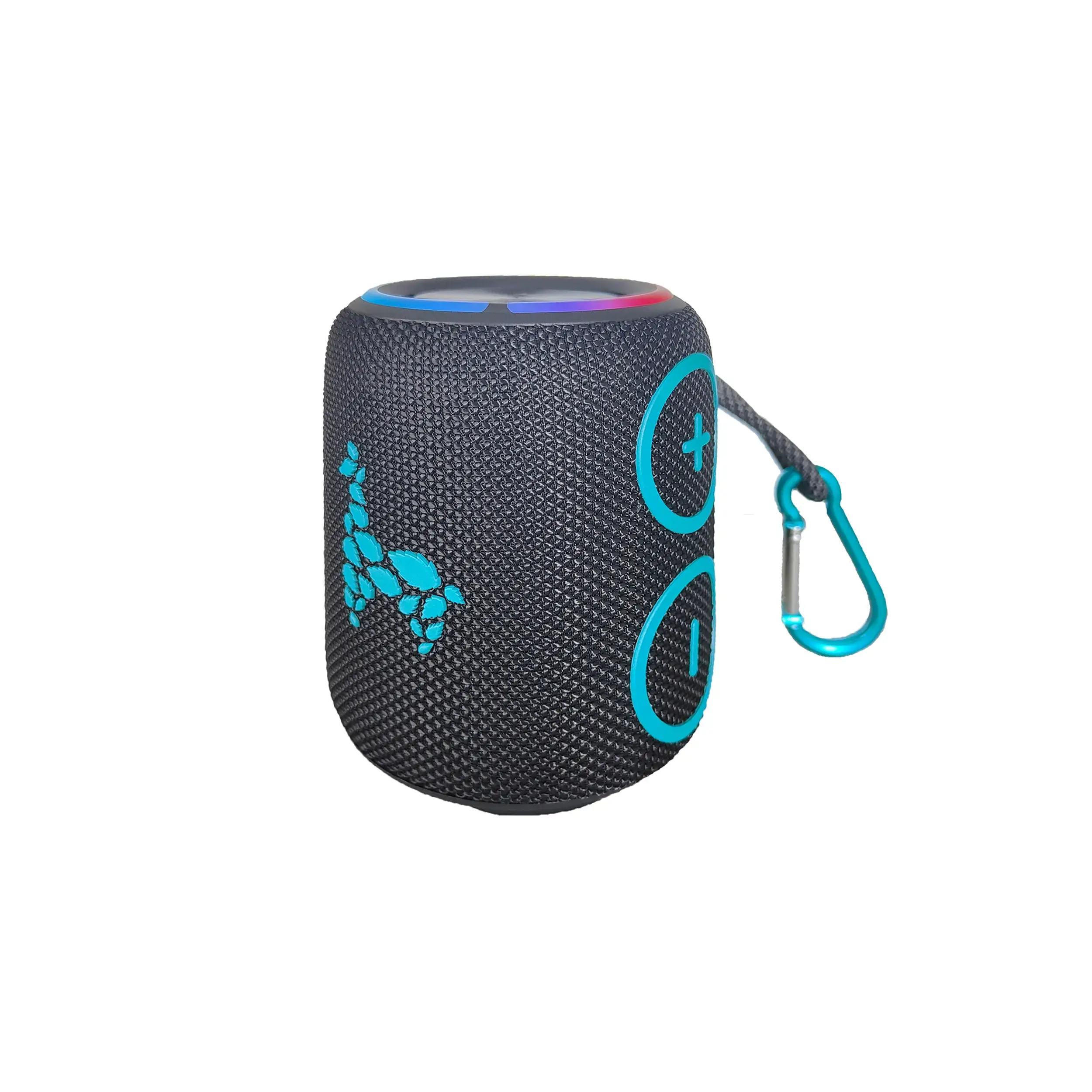
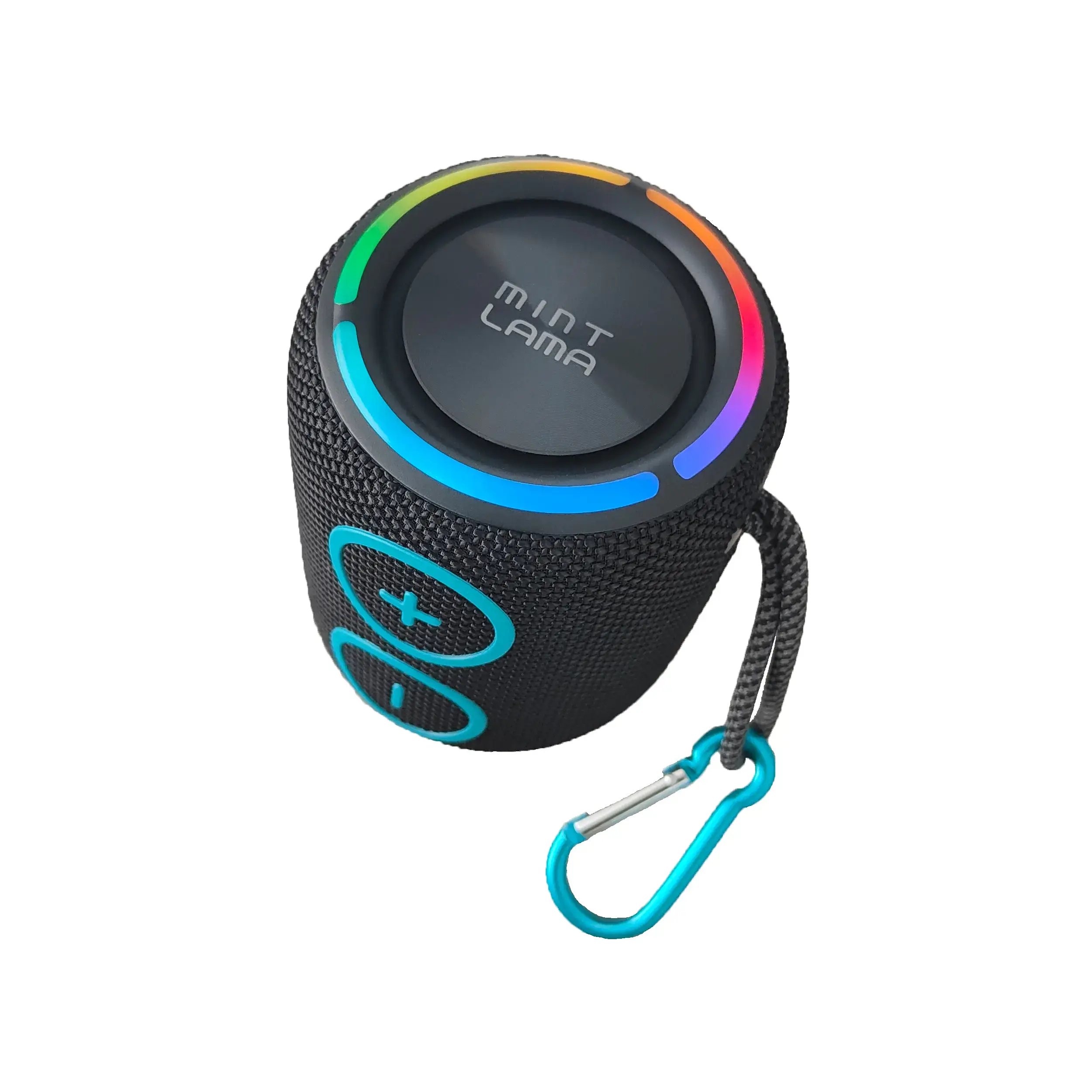
The ultimate music enjoyment for everywhere with the Bluetooth speaker from MINT LAMA:
Waterproof (IP X7) Portable Dustproof Built-in microphone
Waterproof (IP X7) Portable Dustproof Built-in microphone
Lieferumfang
- USB-C Ladekabel
- Karabiner
- Bedienungsanleitung
GEWICHT
0.55 kg
EUR 59.84
inkl. MwSt.
Innovation Award 2025 · LBS Valve - Lama Breath Silencer · Max. 80 dB
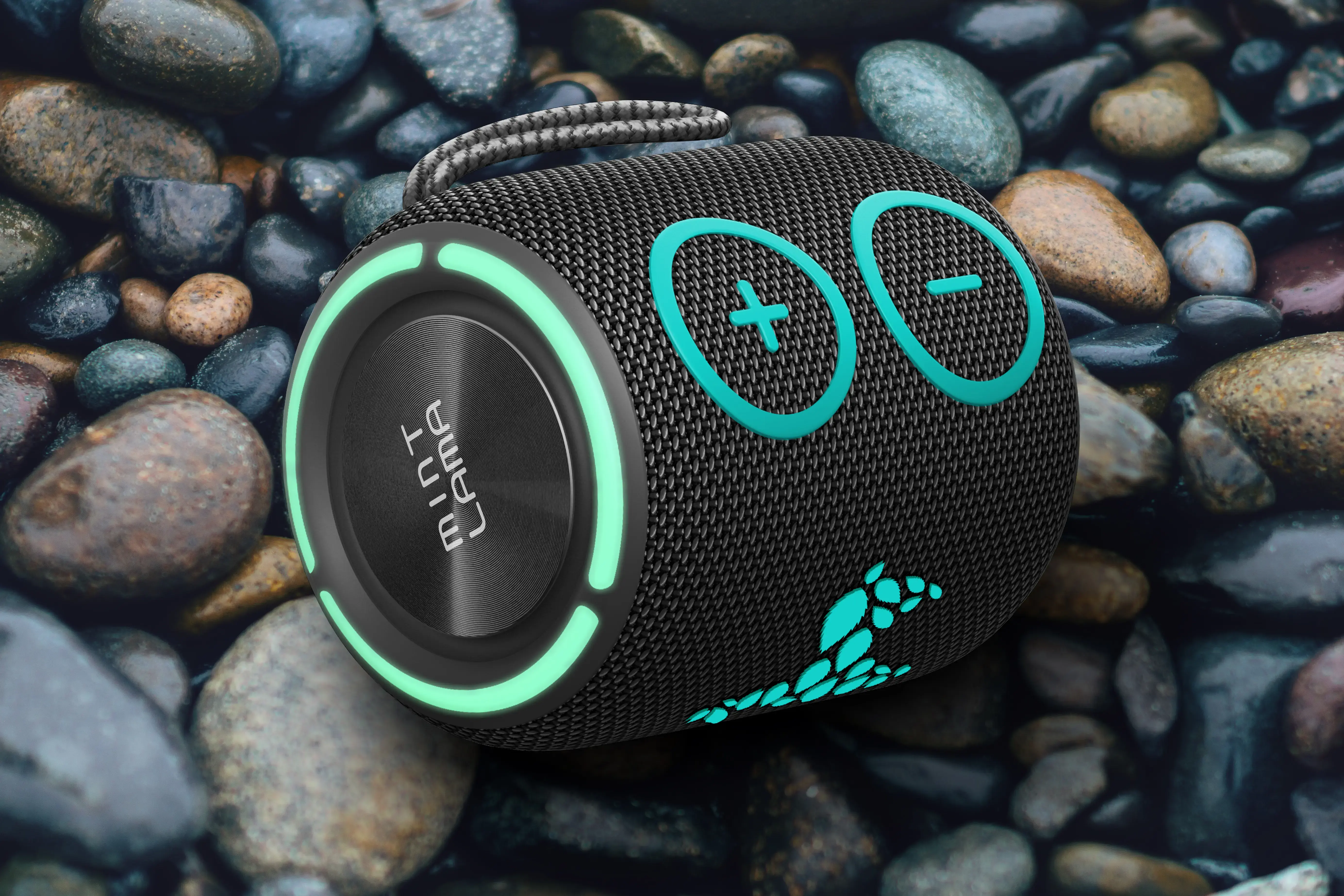
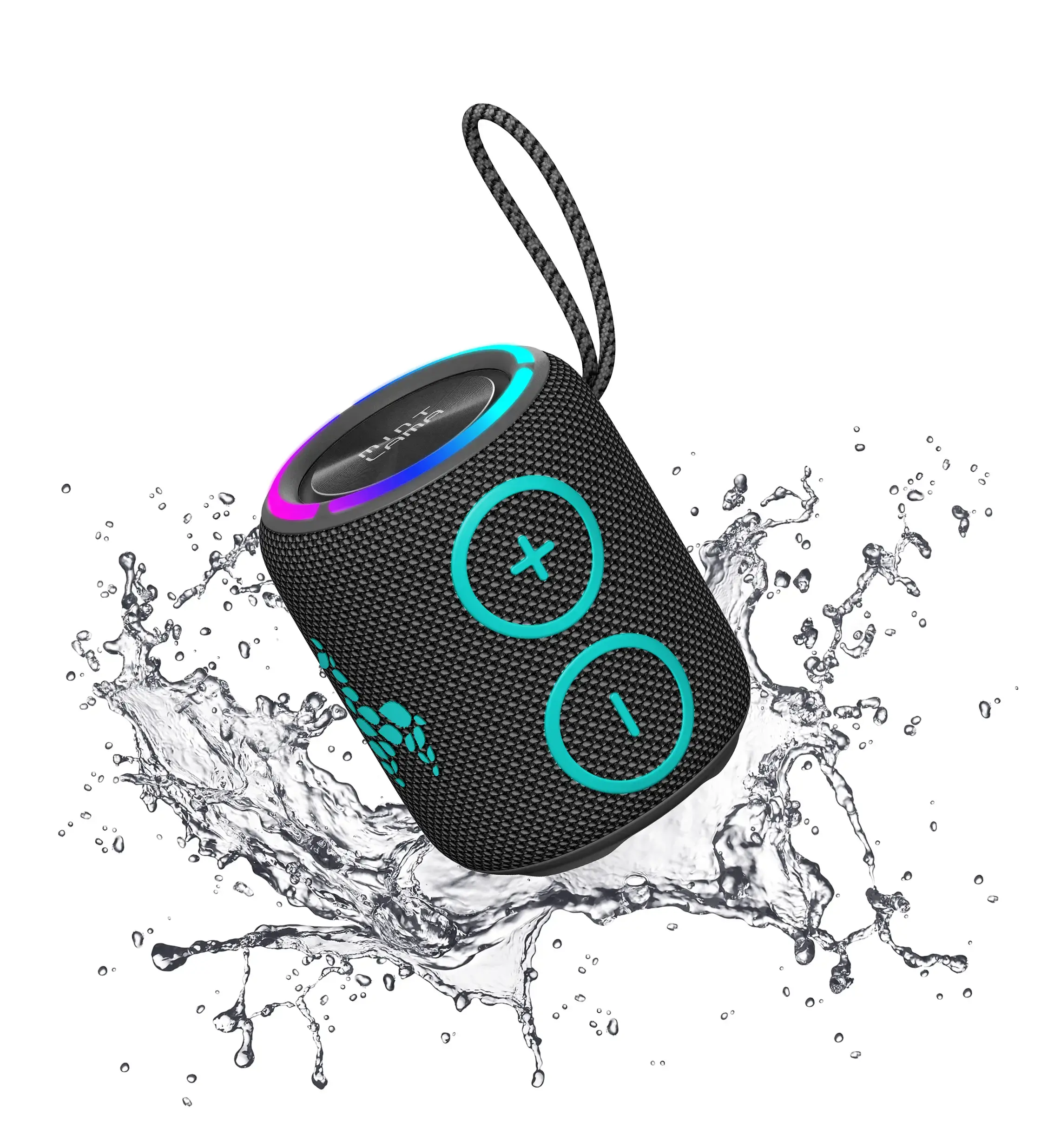
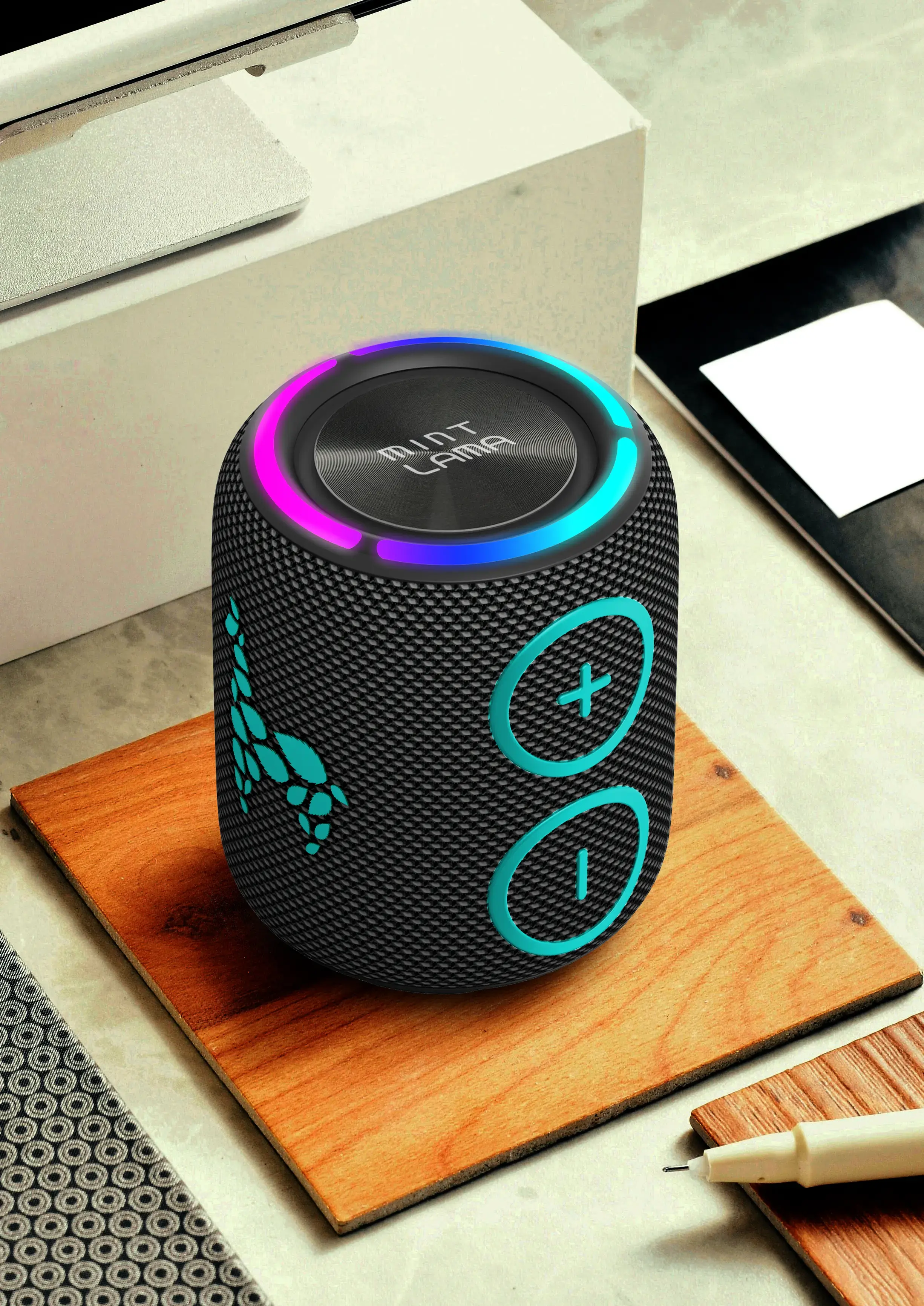
Der LamaBeat 2 von MINT LAMA ist nicht nur ein Bluetooth-Lautsprecher – er ist dein ultimativer musikalischer Begleiter für jedes Abenteuer. Mit seiner wasserfesten Eigenschaft (IP X7) ist er perfekt für Tage am See, entspannte SUP-Touren oder jede Art von Outdoor-Aktivität. Du musst dir keine Sorgen machen, wenn er nass wird, denn er ist komplett geschützt.
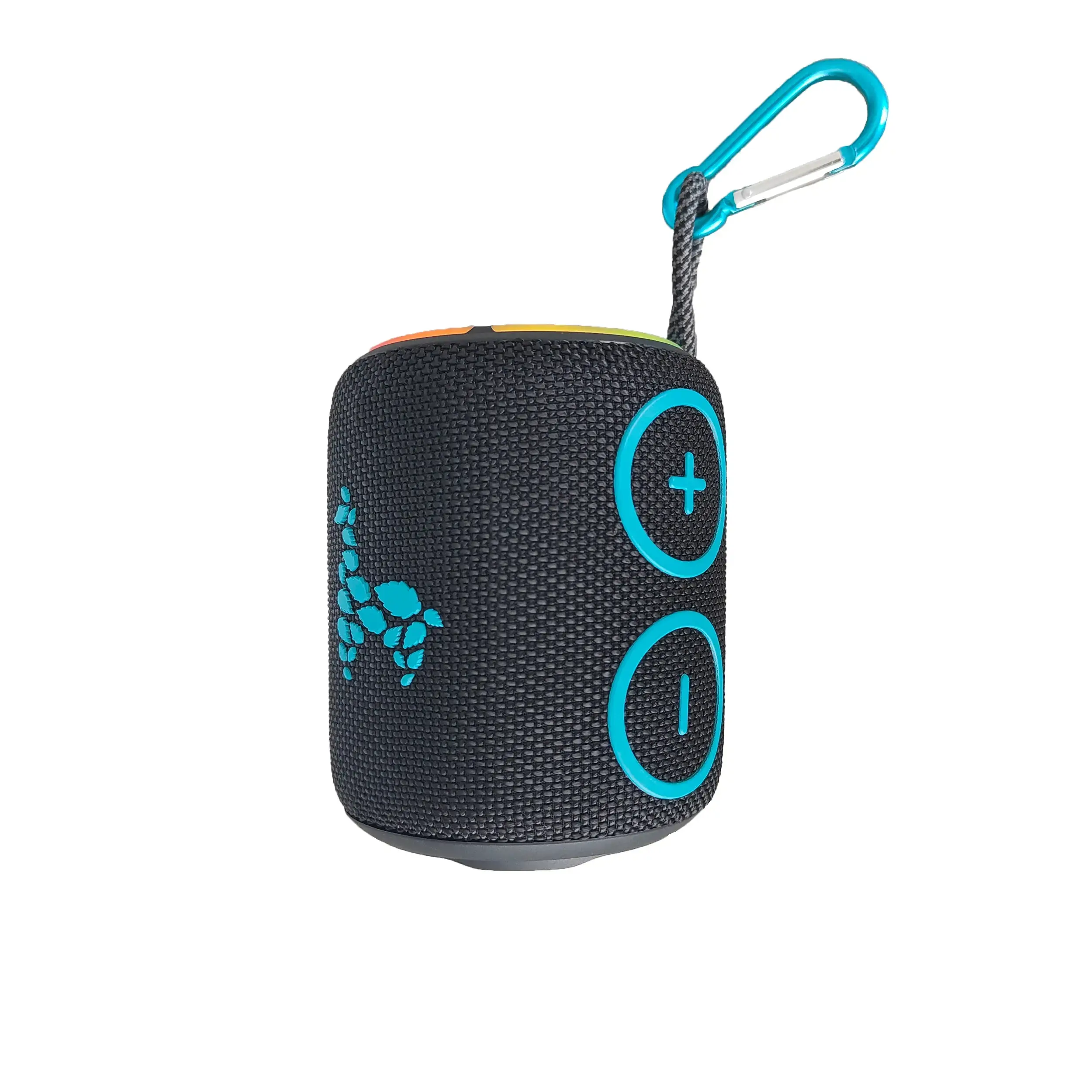
Neben der Wasserfestigkeit ist der LamaBeat 2 unglaublich handlich und kompakt. Er passt problemlos in jede Tasche oder kann einfach am Rucksack befestigt werden, ideal für Reisen oder Ausflüge. Seine Grösse macht ihn zum perfekten Weggefährten, ohne auf Qualität verzichten zu müssen.
Ein besonderes Feature des LamaBeat 2 ist die Möglichkeit, mehrere Lautsprecher miteinander zu verknüpfen. So kannst du den Klangraum erweitern und eine beeindruckende Stereo-Umgebung schaffen, egal wo du bist. Ob bei einem Picknick mit Freunden oder einer spontanen Party am Strand, verbinde einfach mehrere Lautsprecher für ein intensiveres Musikerlebnis.
Kurz gesagt, der LamaBeat 2 bietet erstklassigen Klang, Portabilität und die Freiheit, Musik zu geniessen, wo immer du bist. Mit seinen durchdachten Features ist er ein Must-have für jeden Musikliebhaber, der gerne unterwegs ist.
Technische Daten
Wasserdicht: IPX7
Lautsprecher: 4Ω / 16W
Akkukapazität: 2500mAh
Akkulaufzeit: 6h
Ladezeit: 3,5h
Reichweite: bis zu 10m
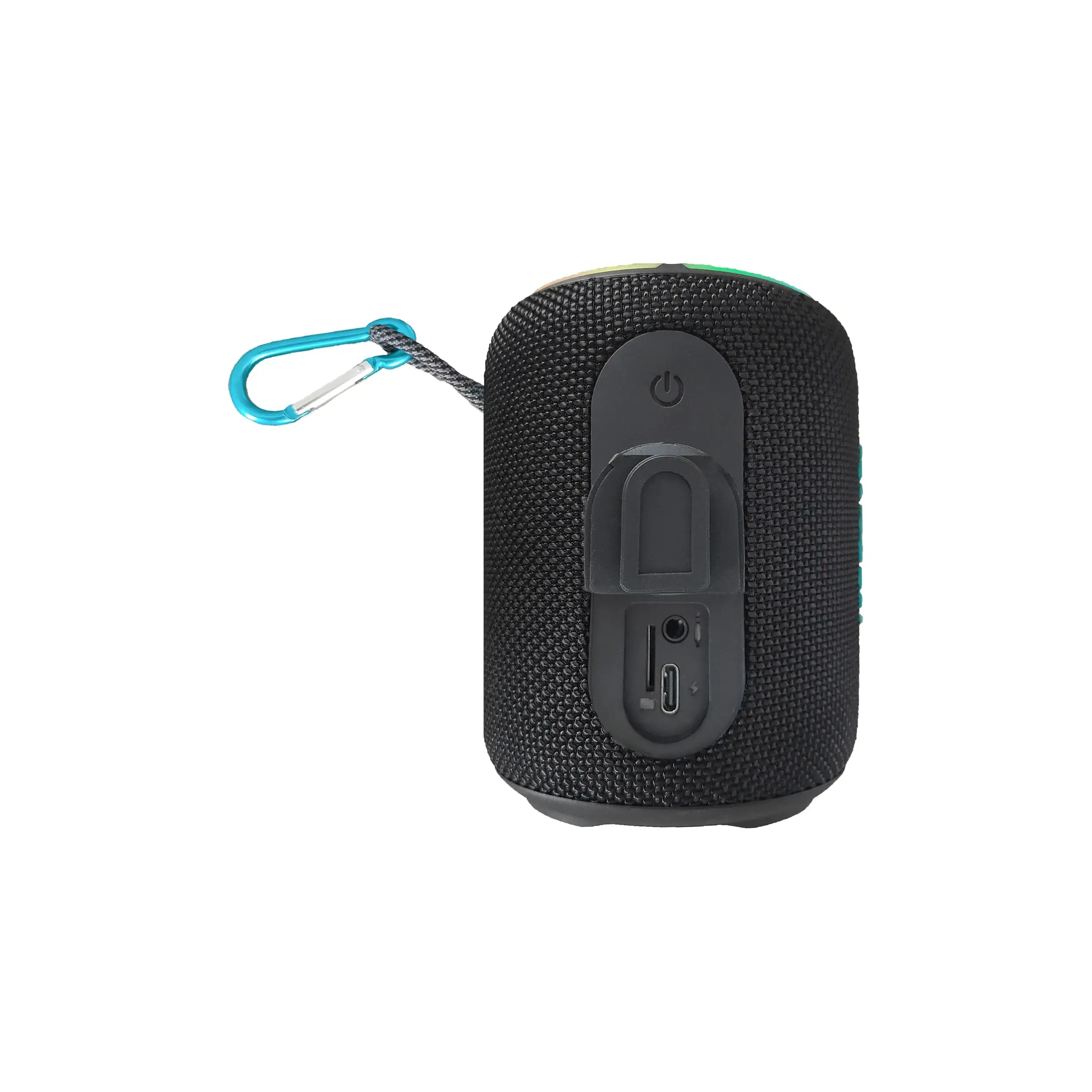
Spielmodi: Bluetooth V5.0, AUX IN, Micro SD Karte, Eingebautes Mikrofon für Telefonanrufe
TWS Funktion um zwei gleiche Lautsprecher zu verbinden.
Buntes LED Licht
| Artikelnummer | OZ-H100L |
| Farbe | schwarz / mint |
| Produktdimensionen | 9.3 × 9.5 × 11.4 cm |
| Material | ABS + TPU + Stoff |
| Gewicht | 0.55 kg |
| Verpackungsmasse | 12 × 12 × 18 cm |
| Verpackungsgewicht | 0.52 kg |
| Packungsinhalt | USB-C Ladekabel, Karabiner, Bedienungsanleitung |
How can I connect two speakers with TWS function?
1. switch on both speakers
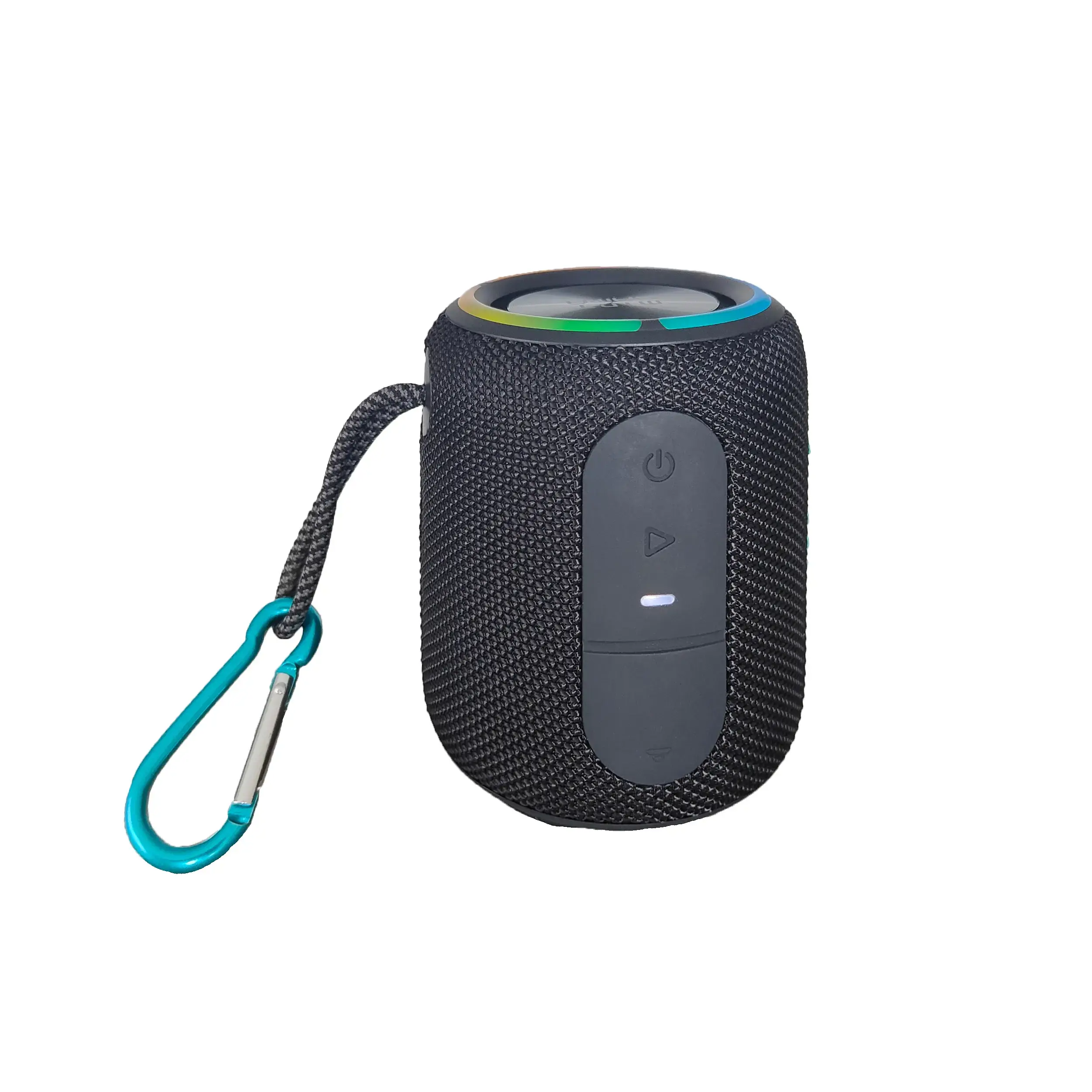
2. press and hold the play/pause button on one speaker for about 2 seconds until you hear a "beep". This is the primary speaker
3. release the play/pause button. It may then take a few seconds until the speakers are connected.
4. in the Bluetooth menu of the smartphone, pair it with the speaker (only one speaker is displayed as it is paired with the second one)
How can I disconnect two paired speakers from each other?
Press and hold the Play/Pause button on one of the speakers for approx. 2 seconds. A "beep" sounds and the connection is disconnected.
Can I connect more than one device to the speaker?
No, only one Bluetooth device can be connected to the speaker at a time. To connect another device, the connection to the current device must be disconnected.
Can I reset the speaker?
Yes, simply press and hold the power button for approx. 8 seconds. The speaker is then automatically reset and switched off.
1. switch on both speakers
2. press and hold the play/pause button on one speaker for about 2 seconds until you hear a "beep". This is the primary speaker
3. release the play/pause button. It may then take a few seconds until the speakers are connected.
4. in the Bluetooth menu of the smartphone, pair it with the speaker (only one speaker is displayed as it is paired with the second one)
How can I disconnect two paired speakers from each other?
Press and hold the Play/Pause button on one of the speakers for approx. 2 seconds. A "beep" sounds and the connection is disconnected.
Can I connect more than one device to the speaker?
No, only one Bluetooth device can be connected to the speaker at a time. To connect another device, the connection to the current device must be disconnected.
Can I reset the speaker?
Yes, simply press and hold the power button for approx. 8 seconds. The speaker is then automatically reset and switched off.
Anhänge (PDF, Videos) werden im Backend gepflegt und hier verlinkt sobald hinterlegt.
Wie kann ich zwei Lautsprecher mit TWS Funktion miteinander verbinden?
- Beide Lautsprecher einschalten
- Play/Pause-Taste an einem Lautsprecher etwa 2 Sekunden lang gedruckt halten, bis ein "Piepton" zu hören ist. Dies ist der primäre Lautsprecher
- Play/Pause-Taste loslassen. Danach kann es noch ein paar Sekunden dauern, bis die Lautsprecher miteinander verbunden sind.
- Im Bluetooth Menu des Smartphones dieses mit dem Lautsprecher koppeln (es wird nur ein Lautsprecher angezeigt, da dieser mit dem zweiten gekoppelt ist)
Wie kann ich zwei gekoppelte Lautsprecher voneinander trennen?
Die Play/Pause-Taste an einem der Lautsprecher ca. 2 Sekunden gedrückt halten. Ein "Piepton" ertönt und die Verbindung wird getrennt.
Kann ich mehr als ein Gerät mit dem Lautsprecher verbinden?
Nein, es kann jeweils nur ein Bluetooth-Gerät mit dem Speaker verbunden sein. Um ein anderes Gerät zu verbinden, muss die Verbindung zum aktuellen Gerät getrennt werden.
Kann ich den Lautsprecher zurücksetzen?
Ja, dafür die Einschalttaste ca. 8 Sekunden lang gedrückt halten. Der Lautsprecher wird dann automatisch zurückgesetzt und ausgeschaltet.